Log In with Your Existing Microsoft Account
Skip the password. InventoryPro lets your team sign in with their Active Directory or Microsoft 365 account - the one they already use every day.
Active Directory Login
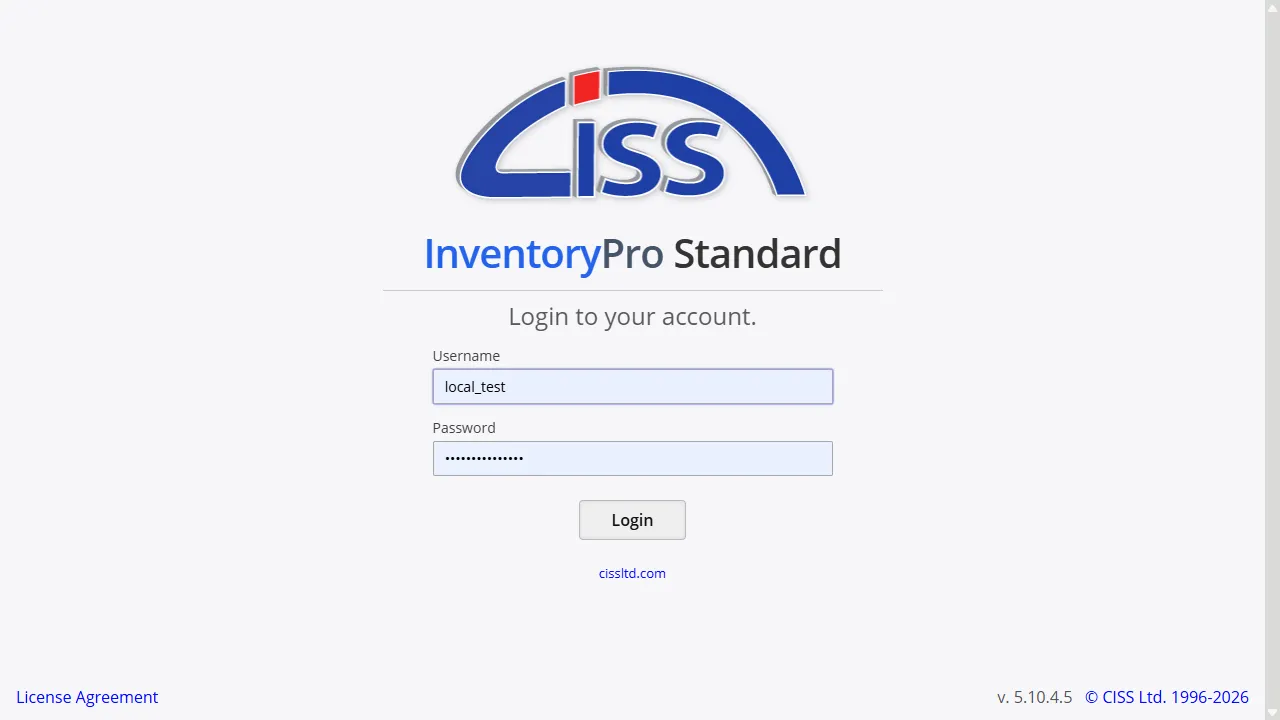
If your office already uses Windows network logins, InventoryPro picks them right up. Your team opens the app in their browser and signs in with the same username and password they use to log into their computer. No second password. No extra steps.
When someone leaves the company and you disable their account in Active Directory, they lose access to InventoryPro automatically. No manual removal, no chasing down accounts. You manage one login, and everything just works.
Microsoft 365 Login
Using Microsoft 365 for your email and office tools? InventoryPro works with it too. Your team clicks "Sign in with Microsoft 365" and they are in. It is the same login they use for Outlook, Teams, and everything else.
This is the easiest setup option for most small businesses. If you already use Microsoft 365, there is nothing extra to install or configure. Your team just signs in and starts working.
Who Gets Access to What
You decide who can do what inside InventoryPro. Warehouse staff might only need to check stock levels, while managers can edit prices and run reports. You set those permissions once, and they stick - even when people log in through SSO.
When someone moves to a new role, you just update their permissions in InventoryPro. Their login stays the same. When they leave, you disable them in Active Directory or Microsoft 365 and their InventoryPro access goes away on its own.
Stop Managing Passwords. Start Managing Inventory.
Sign up for free and try SSO login. No credit card, no IT guy required, no long-term commitment.