Keep Inventory Pro and QuickBooks in Sync
Export items, orders, and invoices from InventoryPro to QuickBooks Desktop automatically. Stop typing the same data twice.
Stop Entering the Same Data Twice
Inventory Pro sends your items, vendors, and customers straight to QuickBooks Desktop. When you add a new part or update a price in Inventory Pro, it shows up in QuickBooks the next time the sync runs. No typing it in again.
When you ship an order, QuickBooks gets an invoice with all the details. When you receive a purchase order, it shows up as an item receipt. Your bookkeeper sees everything the warehouse does, and you save hours of double entry every week.
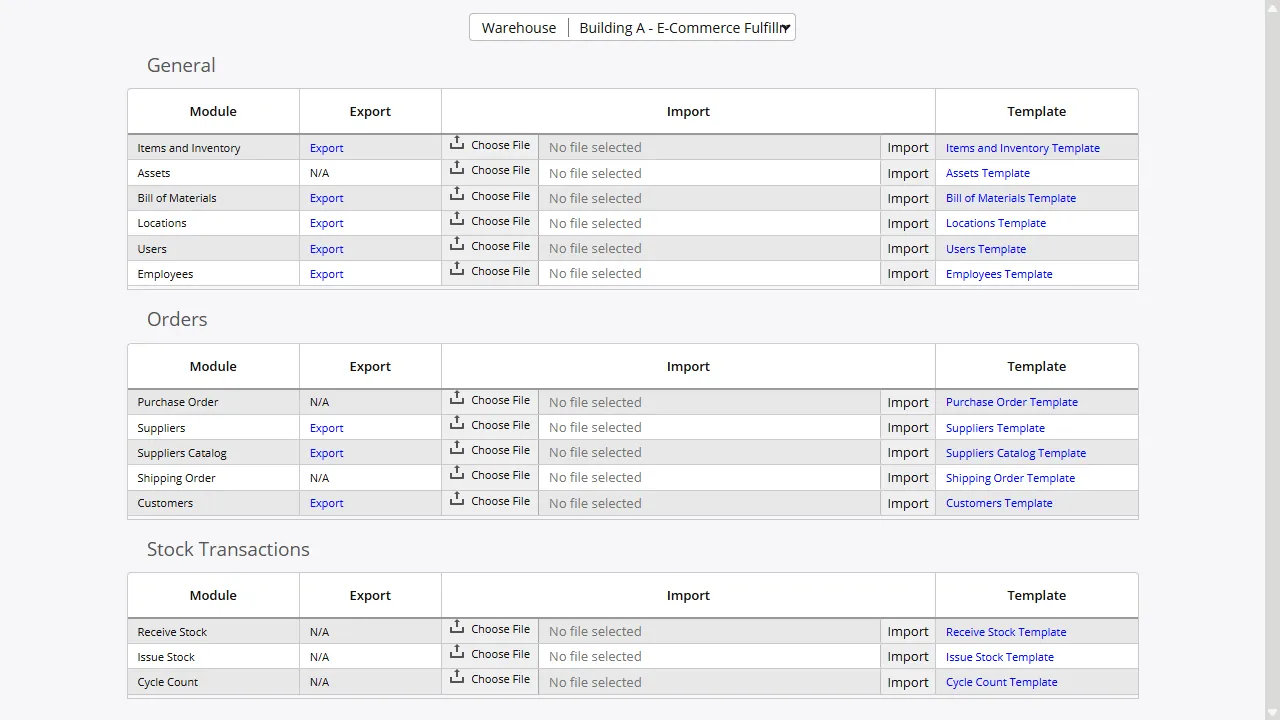
Everything Your Bookkeeper Needs
Inventory Pro sends the records that matter. Your items - part numbers, descriptions, costs, prices - all show up in QuickBooks. So do your vendors and customers with their full addresses and contact info. Purchase orders and invoices move over with quantities and pricing intact.
We set up the field mappings during your initial setup so your items go to the right accounts in QuickBooks. If you use COGS, sales, and inventory asset accounts, we make sure the data lands where it belongs.
Invoices Appear in QuickBooks Automatically
When you ship an order in Inventory Pro, a matching invoice shows up in QuickBooks. Customer name, shipping address, line items, pricing - it's all there. Your bookkeeper does not have to type anything.
Received purchase orders also show up in QuickBooks as item receipts, so you can see exactly what the warehouse received. Only completed orders and receipts go through - open or canceled orders stay out of QuickBooks.
Set It and Forget It
The sync runs on a schedule you choose. Most small businesses run it once a day. It only sends records that changed since the last run, so you are not wasting time re-sending the same data.
If something goes wrong - a missing field, a data issue - the record gets flagged for review. The rest of your data keeps flowing. You always know what is up with a quick look at the sync log.
Stop Double-Entry. Start Syncing.
Sign up for free, connect Inventory Pro to QuickBooks, and save hours of data entry every week. No credit card needed.