EDI When Your Big Customer Demands It
You are a small business and a big customer just told you they need electronic orders. Inventory Pro handles the EDI part so you can focus on running your business. No special hardware, no IT team required.
What EDI Actually Means for You
EDI is just a fancy word for sending orders electronically instead of by email or phone. When a big customer says "you need EDI," they mean they want their purchase orders delivered as digital files they can process automatically. Inventory Pro reads those files and turns them into orders you can work with right away.
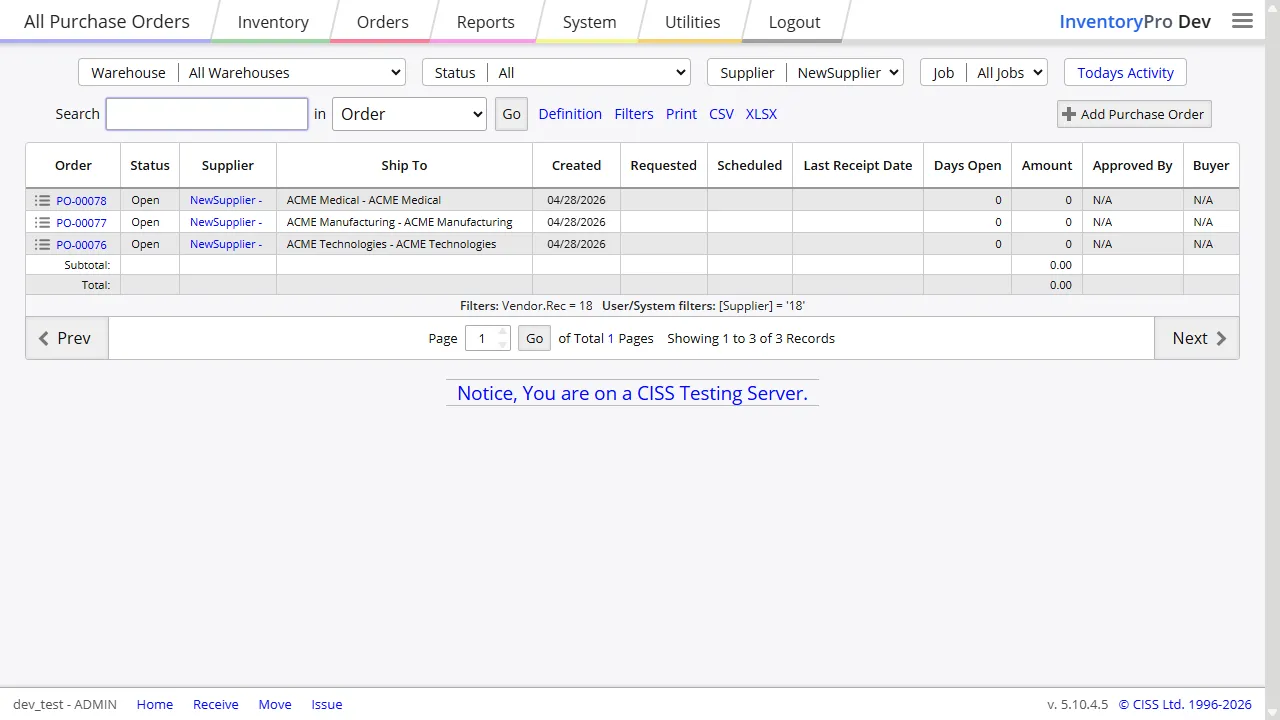
The most common one is the 850 purchase order - a customer sends you an electronic order and Inventory Pro turns it into a regular order you can pick, pack, and ship. The 940 is a warehouse shipping instruction, useful if you send product to a third-party warehouse. We set up whatever document types your customer asks for.
Works With Whatever Your Customer Uses
Inventory Pro reads files from a folder on your computer. That is it. Your customer sends files via AS2, FTP, or any other method - as long as those files end up in a folder Inventory Pro can see, it handles them. You do not need to worry about the technical details of how the files get there.
Some customers also send orders as Excel or CSV files instead of formal EDI. Inventory Pro reads those too. Each customer gets their own folder and file format, so adding a new customer does not mess with the ones you already have.
We Handle the Technical Stuff
You do not need to be an EDI expert. When a new customer tells you they want electronic orders, you tell us. We work directly with their IT team to set up the connection, test the files, and make sure everything works before you go live.
We have been doing this for over 20 years across retail, defense, healthcare, and distribution. That experience means we know the common pitfalls and how to avoid them. Your setup benefits from hundreds of prior setups without you having to figure it out yourself.
Set It and Forget It
Once we get everything set up, EDI runs in the background. New files from your customer arrive in a folder, Inventory Pro reads them, and the orders show up in your system automatically. You do not need to do anything.
If something goes wrong - a file with bad data, a format issue - Inventory Pro flags it for review instead of crashing. Your team gets a notification and can fix the issue quickly. Everything that works gets logged so you have a record for your books.
Start Your Free Trial Today
Sign up for a free trial, start using Inventory Pro in minutes, and let us know when you need EDI set up. We handle the technical side so you can focus on your business.