Orders Made Simple
Buy stock, fill orders, and ship to customers. All from one place.
Purchase Orders
InventoryPro lets you create purchase orders from your browser and track every shipment from the moment you place it. When stock arrives, the receiving screen pulls the line items from the PO so you just confirm quantities. If a supplier sends more than expected, the system flags it right away.
- Receive items one at a time and see status update automatically
- Backorders create themselves when you cannot fill an order completely
- Supplier pricing defaults cut down on typing mistakes
- Track how long suppliers take so you know when to reorder
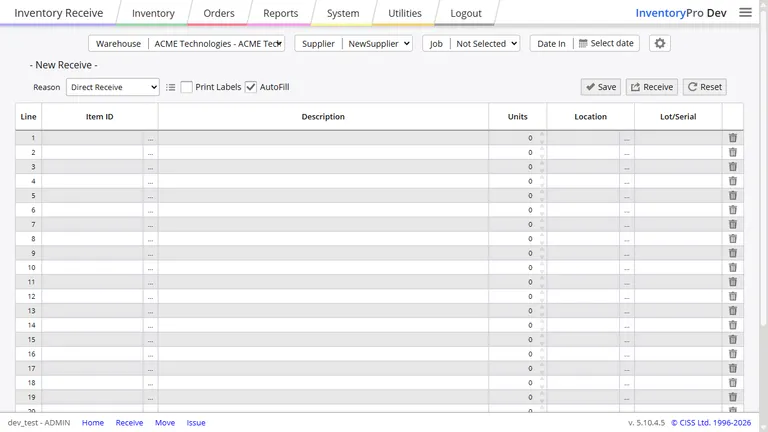
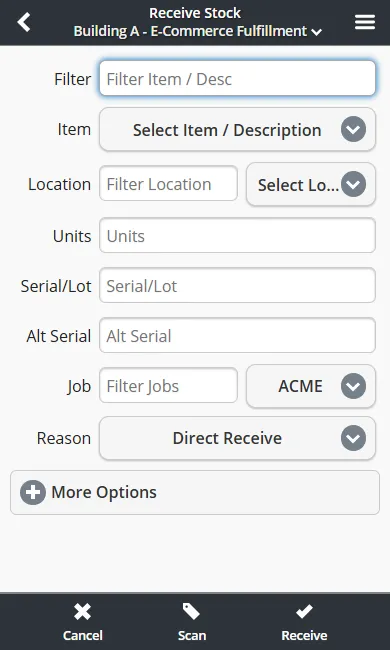
You can receive stock from your phone too. Scan barcodes on incoming items, check quantities against the PO, and log the receipt without walking back to a computer.
Ship Customer Orders
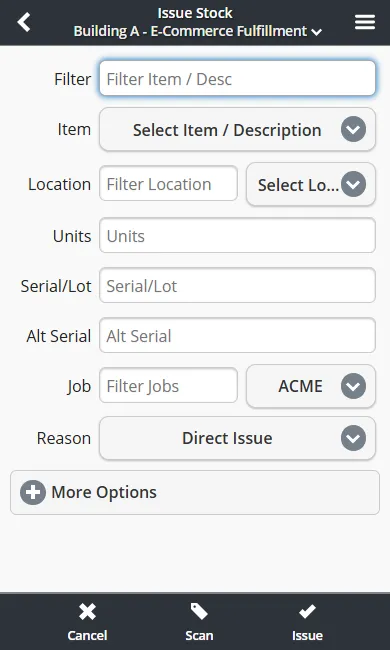
When a customer order comes in, Inventory Pro walks you through picking, packing, and shipping. It checks what you have in stock in real time so you never sell things you do not have.
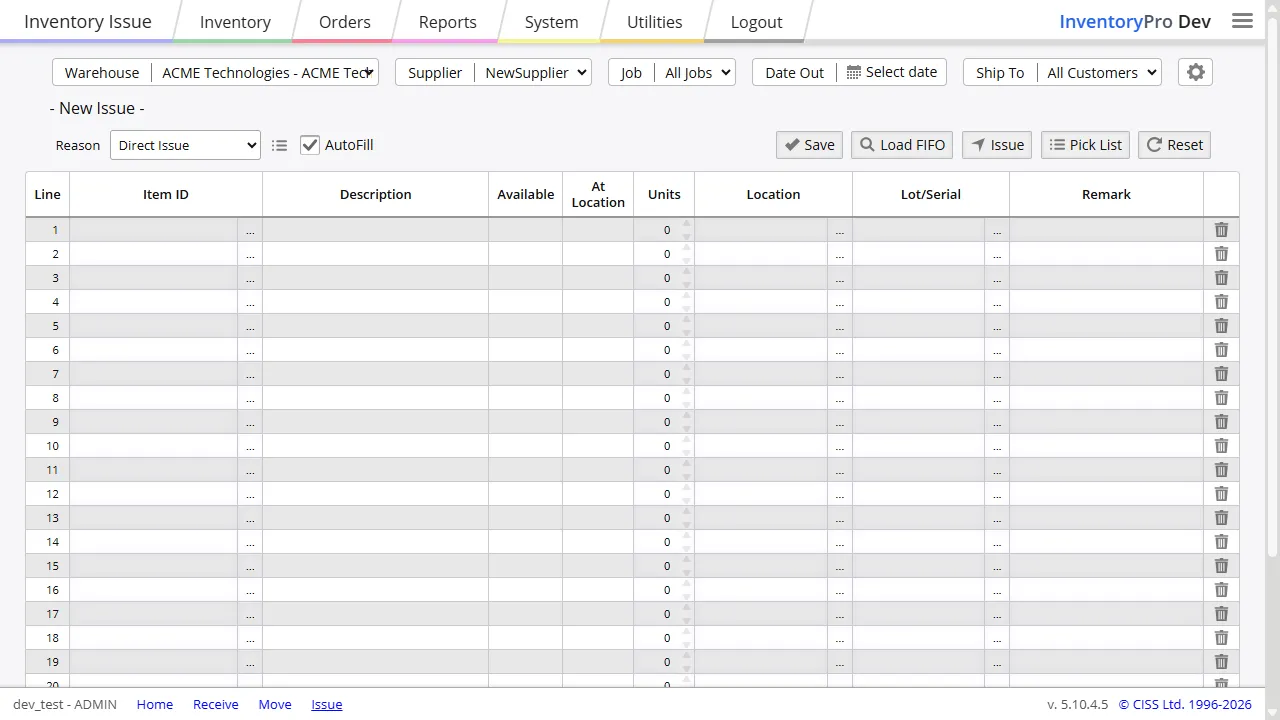
Pick lists show you where items sit in your storage area so you can grab them in a logical order. The system prints packing slips automatically, and if you only have part of an order, it ships what you have and tracks the rest for later.
Quick Orders and Appointments
Sometimes you just need to move stock without all the paperwork. Quick orders let you transfer items between locations or adjust quantities in a couple of steps instead of going through the full purchase order process.
Appointments track deliveries that are coming without a formal purchase order. They are handy for recurring deliveries from a supplier, stock transfers between your own locations, or consignment arrangements. When the delivery shows up, the appointment screen pre-fills what you expect to receive so you can log it quickly.
Pick Multiple Orders at Once
Walking back and forth to pick items for one order at a time wastes hours. Multi-pick groups items by shelf location so you grab everything for several orders in one pass, then sort them during packing. It is a big time saver when you have a busy day.
Delivery Tracking and Returns
Track deliveries coming in from suppliers and going out to customers. If you ship with your own vehicles, drivers can capture a signature on their phone and attach it directly to the order as proof of delivery.
Returns work the same way. Customer returns against shipping orders and supplier returns against purchase orders both update stock levels and keep a record of why items came back.
Smart Reorder Alerts
Inventory Pro watches your stock levels and tells you when to reorder. It looks at what you have on hand, what orders are waiting, and how fast items sell to guess when you will run out. You set a minimum quantity for each item, and the system alerts you before you hit that line.
Ready to Get Off Spreadsheets?
Inventory Pro runs in your browser. No downloads, no servers, no IT guy. Start for free and see how it works in five minutes.