Equipment Checkout
Know who has what. Check items out to staff or customers and track when they come back.
Check Items Out
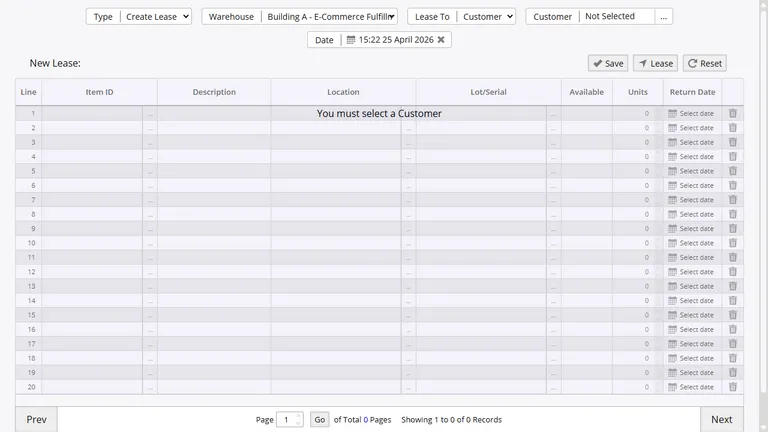
When a tool, laptop, or piece of equipment leaves your building, log it. Pick the item, pick the person, and the system keeps track until it comes back.
- Check out to employees for jobs or field work
- Check out to customers for rentals or loaners
- Run reports by person, item, or location
Process Returns
When something comes back, record the return and the item goes back into available stock. Partial returns work too - if someone brings back three of five items, the other two stay checked out.
Run an overdue report to see what is still out and who has it. Filter by person, item, date, or location.
Printed Checkout Slips
Print a receipt for every checkout. It shows what went out, who took it, the date, and which location it came from. Have the person sign it at the counter and file it. No more "I never had that."
Ties Into Your Inventory
Checked-out items are still part of your inventory. The same item that gets received, issued, and counted also shows its checkout history. For serialized items, every checkout and return is recorded in the item's full history.
Stop Losing Track of Equipment
Replace the sign-out sheet with something searchable. Start tracking checkouts and returns for free.