Order Approvals
Make sure the right person signs off before orders go out. Simple rules, email alerts, full history.
Approval Chains
Set up rules so purchase orders, shipping orders, or work orders need sign-off before they go through. Choose how many levels of approval are needed for each type.
- Orders stay locked until approved
- Approvers can adjust quantities or pricing
- Nothing ships until every level signs off
Instant Notifications
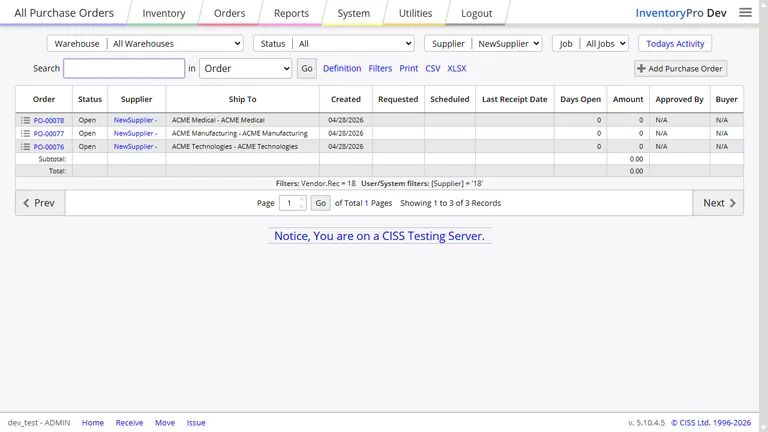
When an order needs approval, the right person gets an alert right away. Pending items show up in a notification list inside the app so nothing gets buried in email.
Need it in your inbox too? Turn on email alerts for urgent items. Every notification is logged so you can check who saw what and when.
Custom Alert Rules
Approvals are just the start. Set up alerts for low stock, overdue orders, cycle count differences, or anything else your business needs to watch. Pick the conditions and who gets notified.
You can also schedule reports to go out automatically. A weekly stock summary every Monday morning, a daily order recap - delivered by email without anyone clicking a button.
Full Audit History
Every approval, rejection, and notification is logged with the date, time, and user. If you ever need to check who approved an order or when an alert was sent, the answer is one search away.
Stop Orders From Going Out Unchecked
Set up approval rules in minutes. Your team gets notified, reviews the order, and approves or adjusts it before anything ships.